Hi, I’m Bo, the local voice behind Seoul With Me. As a local living
in Gangnam I do not buy a tourist SIM for my own phone, obviously, but
this is one of the most common questions friends ask me before they fly
into Incheon: “Bo, do I buy an eSIM before I leave, or just grab
something at the airport?”
There is no single answer that works for everyone, but there is a
clear answer for most first-time visitors in 2026:
install an eSIM on the plane, land, connect, and skip the
counter line.
That said, eSIM is not the right pick for every traveler. If you are
sharing one connection with a family, if your phone is older, if you
need a Korean phone number for calls or SMS, or if you just want a
backup device for the kids, the older options still matter.
I have spent the last two weeks comparing what is actually available
in Seoul right now, because the prices and options changed again this
year. This guide is the version I send to friends.
If you have not figured out the route from the airport to your hotel
yet, start with my Incheon
Airport to Myeongdong guide first. Once you are connected, my Seoul
Transportation Card Guide and Seoul
3-Day Itinerary for First-Time Visitors are the next steps most
people ask about.
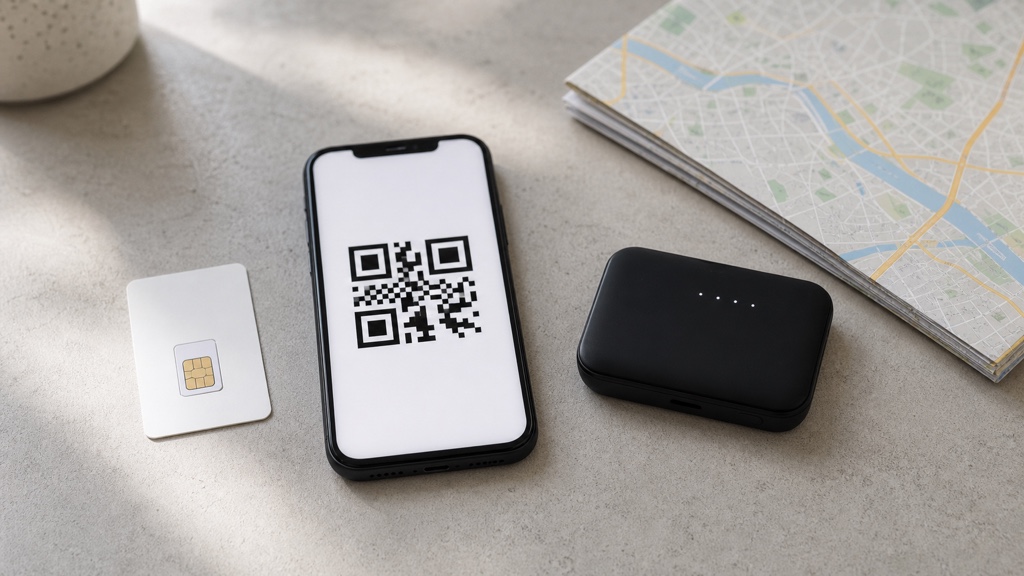
Four options, one decision. Here is how I would actually rank
them in 2026.
Quick Answer
| Situation | What I Would Pick |
|---|---|
| Solo traveler, modern phone, 3-14 days | eSIM (Airalo or Holafly) |
| Two people sharing devices, hotel-based | Pocket Wi-Fi |
| Family of 3-4 with kids’ devices | Pocket Wi-Fi |
| Need a Korean phone number for calls, SMS, or some reservations | Physical SIM at the airport |
| Older phone or no eSIM support | Physical SIM at the airport |
| Stay longer than 30 days | KT/SK physical SIM, 30-day plan |
| Just landed and panicking | Buy a SIM at the airport convenience store, deal with it later |
If you only remember one line: eSIM is the cheapest and
fastest option for most modern smartphone users in 2026. Pocket Wi-Fi
only wins when more than two devices need to share.
Why You Need
Internet in Korea (More Than You Think)
This is the part many visitors underestimate before they land. Korea
runs on apps in a way that is not always obvious from the outside.
Google Maps does not give walking and driving directions in
Korea the same way it does in other countries. You will need Naver Map or Kakao Map for almost any local search,
and both require an internet connection.
Kakao
T is the standard taxi-hailing app. Street taxis are easy, but Kakao
T lets you avoid the language gap, see the estimated fare, and split
payments. It needs data.
Papago is the translation app
most locals trust for Korean. Restaurants without English menus,
pharmacy questions, last-minute shopping confusion — Papago is the
bridge.
Then there are smaller things. The subway app, real-time bus
arrivals, hotel check-in messages, WhatsApp/KakaoTalk with locals,
restaurant reservations through Naver. Almost none of it works
offline.
So before we compare prices, please understand: arriving in Seoul
without a working data plan is not impossible, but it is the kind of
mistake that costs you a full day of jet-lagged confusion. Set this up
before you board, not after you land.
Option 1: eSIM
(My Default Recommendation in 2026)
An eSIM is a digital SIM. There is no card, no slot, no pin to push
out. You buy it online, scan a QR code, and your phone has a Korean data
plan ready to activate the moment you land.
This is what I tell friends to buy first. If their phone supports it,
the whole “connect in Korea” problem disappears before takeoff.
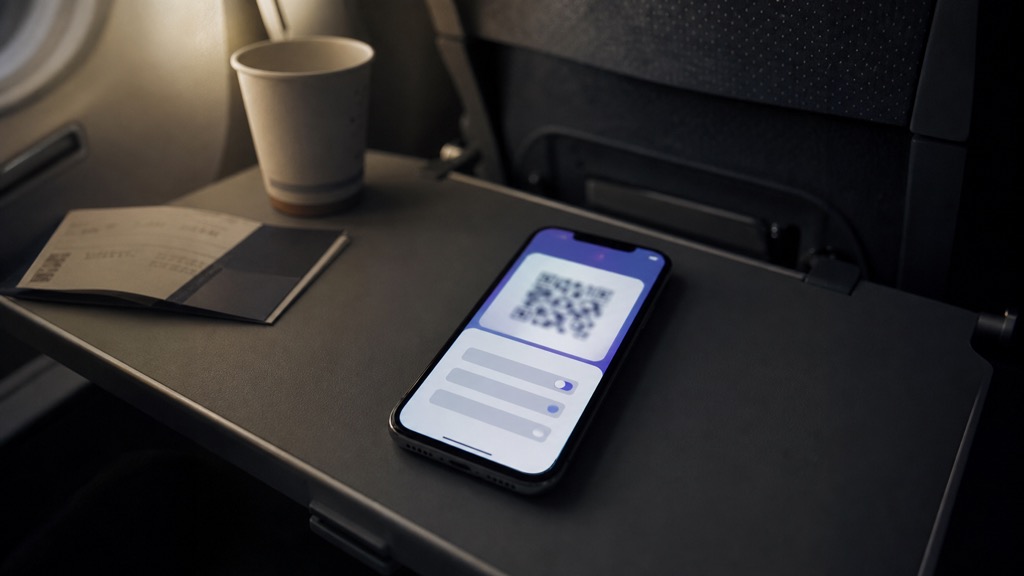
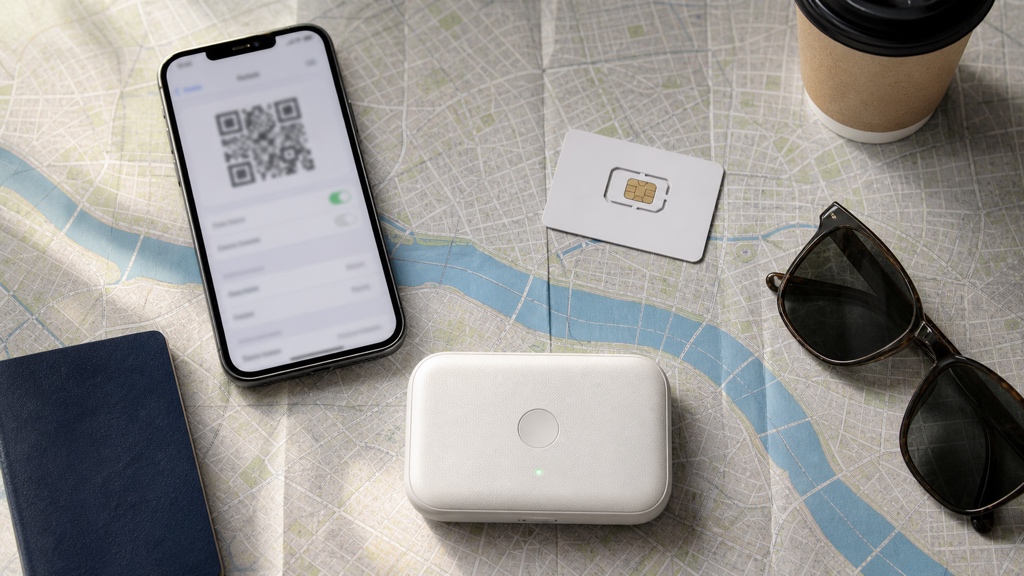
Scan, install, wait. The activation step that should happen
before you land.
Best eSIM Providers for
Korea
Airalo
is one of the easiest capped-data options for Korea right now. Their
South Korea plans are priced roughly like this (checked in May 2026,
USD):
- 1 GB / 3 days: around $4
- 3 GB / 7 days: around $9
- 5 GB / 7 days: around $10
- 5 GB / 30 days: around $11
- 10 GB / 30 days: around $19
- 20 GB / 30 days: around $30
For a typical 5-7 day Seoul trip using Naver Map and Kakao T daily,
3-5 GB is comfortable. Most visitors do not stream video on mobile data,
so the cheap plans are usually enough. Just check both the data amount
and the validity period; the cheapest plan may be only 3 days.
Holafly
sells unlimited-data eSIMs. Plans are priced roughly like this (2026
May, USD):
- 1 day unlimited: starts around $6.90
- 5-7 day trips: usually much more expensive than a capped-data
Airalo-style plan - 30-day trips: usually in the higher-price unlimited category
Holafly is what I would suggest for travelers who tether to a laptop,
share their hotspot with a partner, or genuinely use a lot of data. The
premium over Airalo is real, but so is the peace of mind. One catch:
“unlimited” does not always mean full-speed forever. Holafly notes that
local operators may apply a fair-usage policy and temporarily reduce
speed after heavy usage.
Prices are based on information available at the time of writing and
may change. Please check each provider’s current site before
purchasing.
How to Set Up an eSIM
Before You Fly
- Buy the plan on the provider’s website or app a day before
flying. - The provider sends a QR code by email or in-app.
- On your phone, go to Settings → Cellular/Mobile → Add eSIM and scan
the QR code. - Do not activate the data plan yet. Most plans start
counting from first network connection, not from installation. - After you land, turn on the new line in Settings and turn on data
roaming for that line only. - Keep your home SIM/eSIM active for calls and SMS (2FA codes still
come through).
The dual-SIM behavior is the actually-useful feature. Your bank’s
verification text still arrives on your home number, while Korean data
runs on the eSIM. No swapping cards, no losing your home number.
When eSIM Is Not the Answer
- Your phone does not support eSIM. Older Android phones and some
carrier-locked devices still do not. - You bought your phone from a carrier that locked the eSIM slot.
Apple unlocked US iPhones a few years ago, but other regions and Android
brands vary. - You need a Korean phone number for calls, SMS, or some reservation
systems. Most tourist eSIMs are data-only.
Check eSIM support before you buy. On iPhone, settings → general →
about → “Available SIM” should mention eSIM. On Android, the path varies
by manufacturer, but a quick search for “[your phone model] eSIM
support” answers it.
Option 2:
Physical SIM Card at Incheon Airport
The traditional answer. You land, walk to a counter, hand over your
passport, and walk out with a Korean SIM.
This is still a good option in 2026 if your phone does not support
eSIM, if you want a Korean phone number, or if you just prefer a
physical card you can swap.
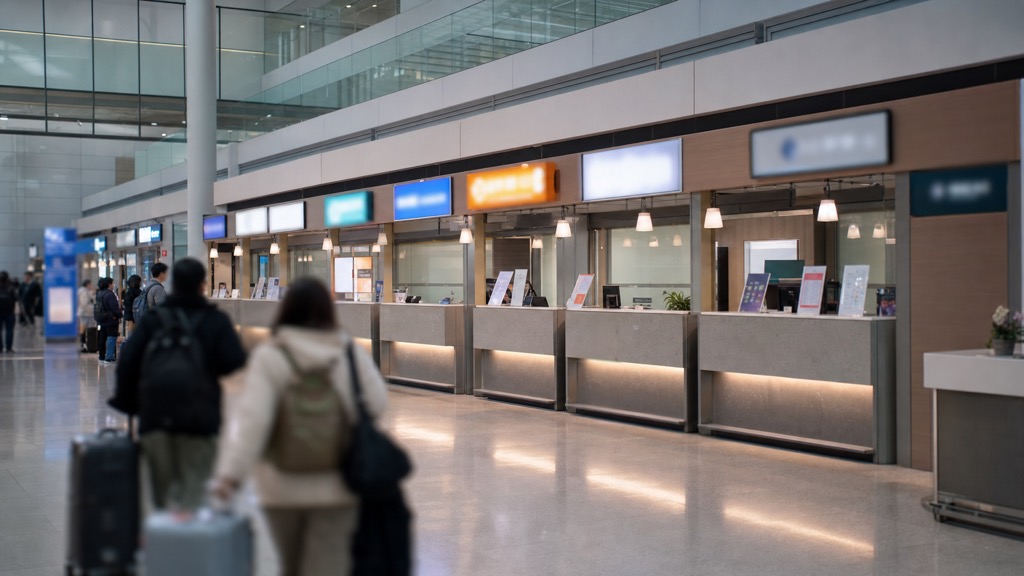
Incheon Terminal 1 arrivals. Carrier counters are on the arrivals
floor after immigration, but exact booths can change.
Where to Buy SIM
Cards at Incheon Airport
Terminal 1 and Terminal 2 arrivals both have counters from
KT, SK Telecom, and LG U+ on the first-floor arrivals
level. The exact booth numbers can change, so follow the carrier logos
after immigration or check the airport map if you have a specific
reservation voucher.
If you arrive late at night and the counters are closed,
convenience stores inside the airport sell prepaid SIMs as a
backup. They are slightly more expensive but reliable enough
for the first night.
Typical Prepaid SIM Prices
(2026 May)
These are starting points. The exact plan you get depends on the
counter, but here is what I usually quote when friends ask:
- 5-day data + voice plan: around 27,000-35,000
KRW - 10-day data + voice plan: around 39,000-50,000
KRW - 30-day data + voice plan: around 55,000-70,000
KRW - Data-only plans: usually 20-30% cheaper than
voice-included plans
Many prepaid SIMs include a Korean phone number for the duration of
the plan, which is the main reason to choose a physical SIM over an eSIM
in 2026. Just be realistic: a tourist prepaid number may help with calls
or SMS, but it does not always pass Korean resident-style identity
verification inside local apps.
Prices are based on information available at the time of writing and
may change. Please check the carrier’s current menu at the counter
before purchasing.
Pre-Order vs Buy on Arrival
You can pre-order a physical SIM through services like Klook, Trazy, or directly through carrier
websites and pick it up at the airport. Pre-ordering is usually 10-20%
cheaper than walking up to the counter cold.
My honest take: if you are already willing to plan ahead enough to
pre-order a physical SIM, you should just buy an eSIM instead and skip
the counter entirely. Pre-order makes sense mostly for travelers who
specifically want a Korean phone number and a physical card.
Option 3: Pocket Wi-Fi (Egg)
Locally called an “egg” because the older models were shaped like
one, a pocket Wi-Fi router gives you a portable hotspot that multiple
devices can share.
I think pocket Wi-Fi is overrated for solo travelers
in 2026 but still legitimately useful for families and
groups.
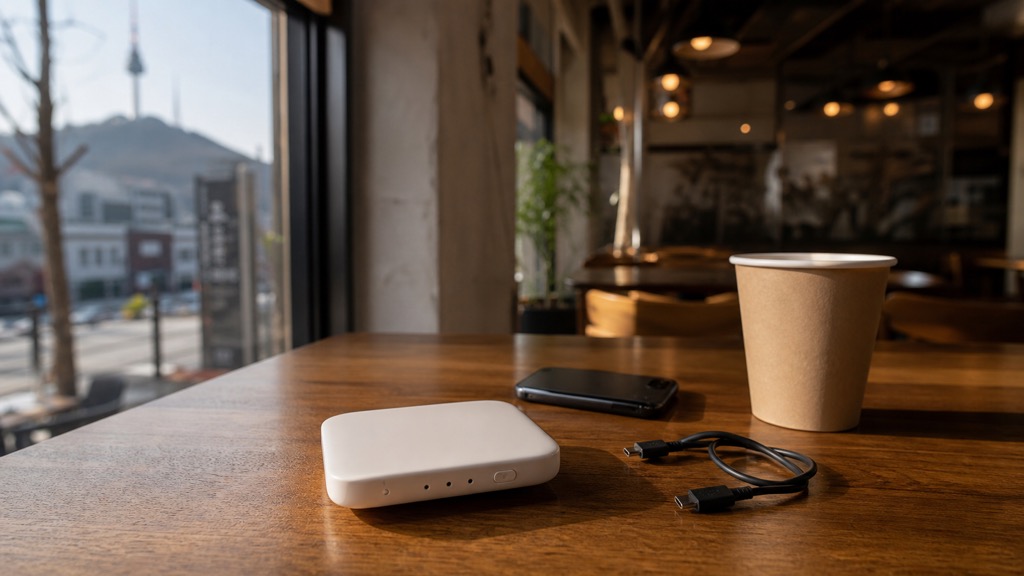
The “egg.” Still the right call when three or more devices need
to share one connection.
When Pocket Wi-Fi Makes
Sense
- You are traveling with 3+ devices that all need data (parents’
phones, kids’ tablets, laptop). - You want one bill for the whole group.
- You are not comfortable with eSIM setup and want a single device to
manage. - You do not need a phone number, just internet.
When Pocket Wi-Fi Is
Overkill
- You are a solo traveler with a modern smartphone.
- You move between people separately during the day (one egg, one
connection means everyone has to stay near the device). - You do not want one more thing to charge every night.
- You will lose the deposit if you forget to return it before your
flight.
Typical Pocket Wi-Fi
Prices (2026 May)
Pricing is usually per-day, with rental services like KT
Roaming, WiFi Dosirak, and Pocket
Wi-Fi Korea:
- Budget LTE pocket Wi-Fi: around 3,000-4,500 KRW per day
- Mainstream unlimited 4G/5G pocket Wi-Fi: around 4,500-9,500 KRW per
day - Most rentals require a refundable deposit of 100,000-200,000 KRW or
a credit card hold
For a family of four staying 7 days, even at 8,000 KRW per day that
is 56,000 KRW total — often cheaper than four separate eSIMs. That math
is why I still recommend it for families.
Prices are based on information available at the time of writing and
may change. Please confirm with the rental provider before booking.
Where to Pick Up Pocket
Wi-Fi
Pocket Wi-Fi pickup counters are on the first-floor arrival
halls of Terminal 1 and Terminal 2. The exact gate or counter
depends on the rental provider, so trust the pickup location in your
booking confirmation more than a generic blog post. Pre-booking online
is usually required because walk-in inventory is unreliable.
The return process is the part that trips people up. You hand the
device back at the same kind of counter when you fly out. Set a
phone reminder. I have heard from more than one visitor who
flew home with the device still in their bag and had to mail it
back.
Option 4: Airport
Roaming Service Centers
Your home carrier probably offers an international roaming pass.
Counters at Incheon Airport from KT, SK, and LG U+ can also activate
short-term roaming plans on the spot.
This is the most expensive option per gigabyte in
almost every case. The exception is short trips where you want zero
setup work and your home carrier offers a flat daily roaming fee (some
US, Australian, and EU carriers offer $10/day “use your plan abroad”
deals).
If your home plan does that, just use it for a 3-4 day trip. If your
home carrier wants $15/day or more for roaming, an eSIM beats it
badly.
How Much Data Do You
Actually Need?
This is the question I get most often, and the honest answer is “less
than you think.”
For a typical Seoul trip using:
- Naver Map / Kakao Map for navigation
- Kakao T for taxis
- Papago for translation
- Instagram and messaging through hotel/cafe Wi-Fi when possible
- No mobile video streaming
1-2 GB per week is usually enough. Most visitors
finish their trip with leftover data on a 3 GB plan.
If you stream YouTube, work from cafes, or use a mobile hotspot for a
laptop, jump to 5-10 GB per week or unlimited.
For families with kids who will absolutely watch YouTube during taxi
rides, unlimited is worth the premium. Just buy pocket
Wi-Fi or a Holafly unlimited plan and stop worrying about it.
Where to Find Free Wi-Fi in
Seoul
Public Wi-Fi in Seoul is genuinely decent, which surprises some
visitors.
- Subway stations and trains: most Seoul Metro
stations have free public Wi-Fi. Look for “PublicWiFi@Seoul” or
carrier-branded SSIDs. - Cafes: Starbucks, Twosome Place, Hollys, Mega
Coffee, Paik’s Coffee, almost any local cafe — free Wi-Fi is
standard. - Convenience stores: GS25 and CU often have Wi-Fi,
sometimes requiring a phone-based login. - Hotels: free Wi-Fi is the default. Some larger
hotels offer it on the lobby floor without check-in. - Department stores: Lotte, Shinsegae, Hyundai all
offer public Wi-Fi. - Tourist information centers and the main
attractions like Gyeongbokgung area.
You can technically survive a Seoul trip on free Wi-Fi alone if your
itinerary is hotel → cafe → tourist site → cafe → hotel. But the moment
you need a taxi at 11 PM in a quiet neighborhood, you will wish you had
data on your phone.
My Honest Ranking by Trip
Type
The actual decision in one frame. Most travelers in 2026 land on
the top-left option.
Short trip, 3-5 days, solo or couple: Airalo 3-5 GB eSIM,
around $9-11. Fastest, cheapest, no counter line.
Medium trip, 7-14 days, solo or couple: Airalo 10 GB or
Holafly unlimited. If you tether to a laptop, Holafly. If you
just use a phone, Airalo.
Family of 3-4, any length: Pocket Wi-Fi with unlimited
data. Shared bill, shared device, simpler than buying multiple
eSIMs.
Long stay, 30+ days: Physical SIM from KT or SK
Telecom at the airport with a 30-day plan. You get a Korean
phone number, which becomes useful for calls, SMS, and some reservations
the longer you stay.
Older phone, no eSIM support, any trip length: Physical SIM
at the airport. Pre-order through Klook if you want to save
10-20%.
FAQ
Is eSIM better than a physical SIM card for Korea in
2026? For most modern smartphone users on trips under 30 days,
yes. eSIM is cheaper, faster to set up, and lets you keep your home
phone number active. Physical SIM is still better if your phone does not
support eSIM or if you need a Korean phone number.
Can I get a Korean phone number with an eSIM? Most
tourist eSIMs from Airalo and Holafly are data-only and do not include a
Korean phone number. If you need a Korean number for calls, SMS, or some
reservations, choose a physical SIM at the airport, but do not assume it
will pass every Korean app’s identity verification.
Will my phone work in Korea? Almost all modern
phones from major brands work on Korean networks (LTE and 5G). Check
that your phone supports the bands used by KT, SK, or LG U+. If you
bought your phone after 2018 from a major brand, it almost certainly
works.
Can I use my hotel Wi-Fi for everything and skip buying
data? You can, but you will be limited to your hotel for
navigation, taxi apps, and translation. For a relaxed multi-day trip
with subway and street travel, a small data plan is almost always worth
it.
Can I hotspot from an eSIM to share with my partner?
Usually, yes, but check the specific plan before buying. Many tourist
eSIMs allow tethering, but discount or unlimited plans can limit hotspot
use or reduce speed after heavy usage.
Where do I buy a SIM card at Incheon Airport at
night? Carrier counters close in the evening, but convenience
stores in the arrivals area sell prepaid SIM cards as a backup. The
selection is smaller and the price is slightly higher, but it is
reliable for late arrivals.
Should I pre-order a SIM card or eSIM before flying?
Yes. Pre-ordering is usually 10-20% cheaper than walking up to a
counter. For eSIM, pre-ordering also lets you set it up on the plane so
you connect the second you land.
Does Korea have 5G coverage? Most of Seoul has 5G
coverage on KT, SK, and LG U+. Tourist eSIMs vary — some support 5G,
some are 4G LTE only. For typical tourist use (maps, messaging, light
browsing), 4G LTE is more than enough.
My Take
The eSIM versus physical SIM versus pocket Wi-Fi debate used to be
more interesting. In 2026, it is mostly resolved for the average
traveler: install an eSIM on the plane, land in Seoul, connect
immediately, and never think about a counter again.
The exceptions are real but narrow. Families with multiple devices,
travelers who need a Korean phone number, and people with phones that do
not support eSIM still have good reasons to pick one of the older
options.
If a friend asks me right before their flight, I usually just send
them the Airalo link. It is not the absolute cheapest option in every
scenario, but it is the option with the fewest things that can go wrong
on the first day of a jet-lagged trip.
That is the actual local advice: make this decision before
you fly, not after you land. Whatever you choose, choose
early.
Rating: 5/5 for eSIM as the default 2026 solution; 4/5 for
pocket Wi-Fi for families; 3.5/5 for physical SIM for long
stays
Best for eSIM: Solo travelers, couples, modern phones, trips under 30
days Best for Pocket Wi-Fi: Families, groups, travelers with 3+ devices
Best for Physical SIM: Older phones, long stays, travelers who need a
Korean number for calls or SMS My simple rule: eSIM unless you have a
specific reason not to.
Want me to cover another Seoul question? Send a request through the
Contact page.